
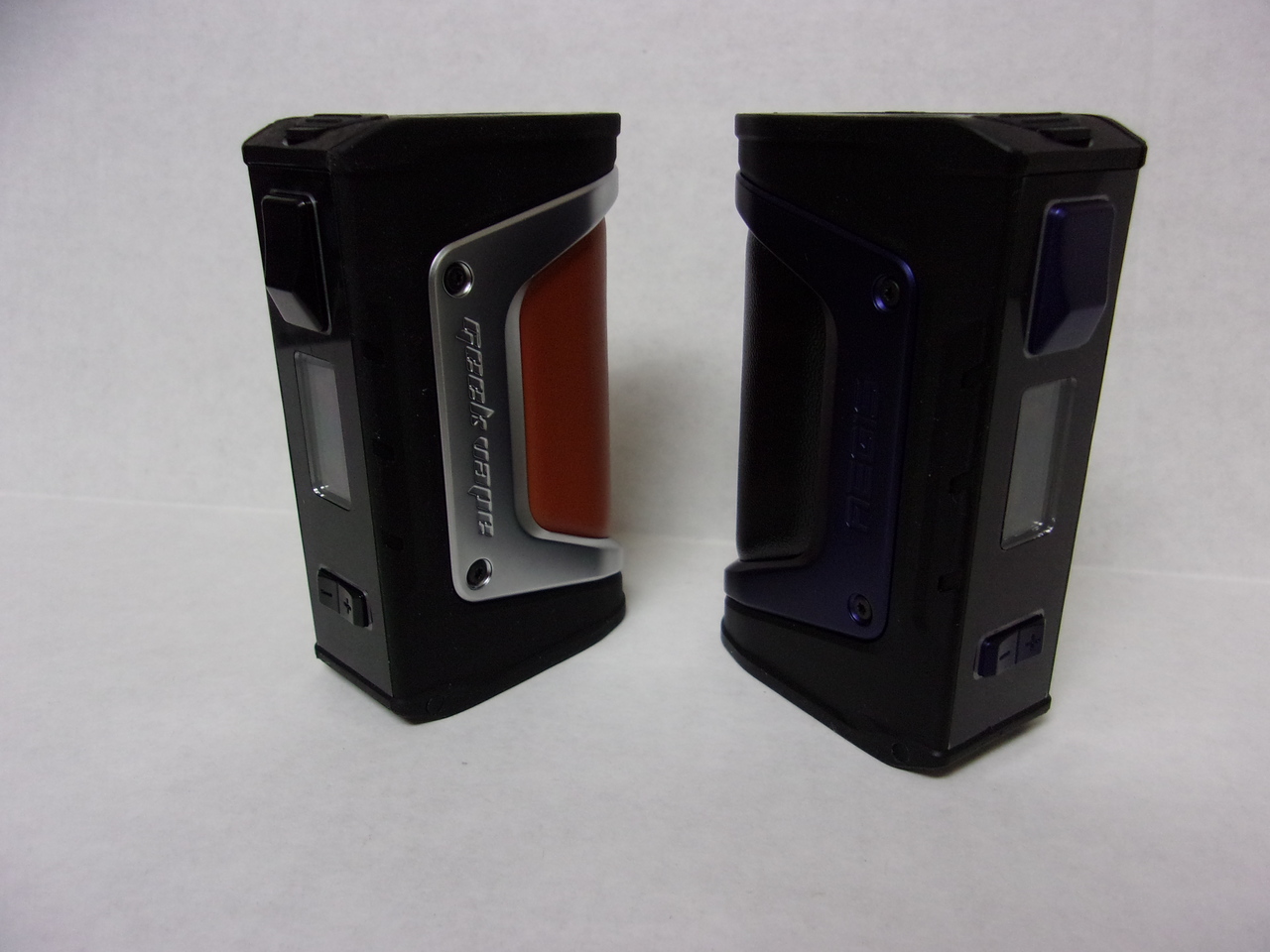
GeekVape’s
Aegis Legend 200W Box Mod is one of the most powerful,
efficient, functional and beautifully designed devices that we’ve seen in a
long time, boasting a wide array of exciting and innovative features that let
vapers customize like never before. This
waterproof, shockproof and dustproof beauty is capable of making every sub-ohm
dream come true, as long as you use it properly.
If you’re ready to make the Aegis Legend 200W Box Mod
your own, this guide is for you. Today,
we’ll be walking you through each step of setting it up, from taking it out of
the box to taking your first delicious hit of thick and luscious vapor.
Step #1: First,
remove the Aegis Legend from the box, along with the USB micro cable. You can keep the user manual in the box for a
later time.
Step #2: Into
the mod’s battery compartment, insert two fully charged 18650 batteries.
Step #3: Choose
your preferred sub-ohm vape tank, as well as the right coil and vape juice for
your specific vaping preferences. Set up
your tank by priming the coil and filling it with e-liquid before attaching it
to your mod.
Step #4: Turn
the mod on by pressing the power button.
Then, use the display screen and navigation buttons to choose your
preferred settings. This mod features a
variety of exciting settings including TC mode.
Final Step: Now,
you can press the firing button to take your first satisfying puff of
vapor. Enjoy!
The GeekVape Aegis Legend 200W Box Mod is a beast in
terms of performance and technology, but you’ll only enjoy it by knowing
exactly how to operate it. Use this
guide to make the most out of this stunning vaping device. And, make sure that you’re using a compatible
tank, coil and e-liquid for the best vape possible.
Leave a Reply