
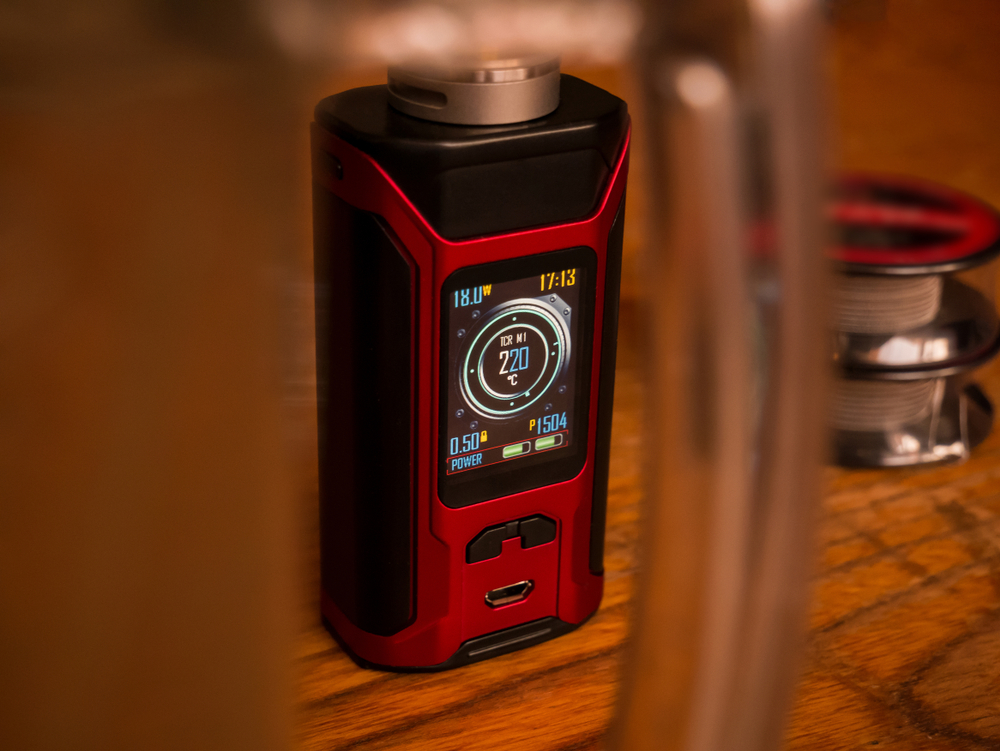
 Any experienced vaper knows that no matter how careful
they are when it comes to purchasing the best hardware
and maintaining their setup, errors happen.
Even the most experienced vapers can feel absolutely bewildered when
certain error messages appear on their display screen. After all, vaping is pretty advanced
technology, and while advanced technology can satisfy our needs more
efficiently, it can also fail us in a wider variety of ways than technology
that’s simpler in nature.
So, we’re gonna be focusing on the most common error
messages that can appear on a mod’s display screen, plus tell you how to
correct these errors. That way, you can
then resume vaping, and do so in a way that’s completely safe.
A Quick Word on Safety and Vaping Devices
Vapers may feel alarmed when a device shows an error
message, because they feel that if they continue vaping, their device may
explode or, at the very least, break.
This is understandable, because we know that any electronic device can
be dangerous if it’s used improperly.
However, keep in mind that standard vaping devices are
equipped with safety features that are carefully designed in order to protect
both you and your device from harm. So,
rest assured that your error message is actually there because it’s protecting
you from doing damage. Essentially, that
error message represents the fact that your device is designed to power off
when something is wrong.
Still, when there is an error message, you absolutely
must correct the error before you attempt to resume vaping. Trying to force a device to work in spite of
an error message by manipulating its mechanisms puts you at risk of harm.
Error #1: Overheating
If a device is overheating, your mod’s display screen
may read “overheating” or “too hot”.
Obviously, these mean the same thing.
Devices can overheat because they contain a mechanism that determines
the maximum temperature that they can reach internally. When that temperature is met, the device
shuts itself off.
Devices can overheat for a couple of reasons. A common one is vaping too quickly. After each puff, your device needs a second
to cool down. Otherwise, it can sustain
high temperatures, and that’s dangerous for the hardware. Another common reason is that you left your
device in the hot sun for a long period of time.
How to Fix It
Simply take a break from using your device, and make
sure that it’s stored in a dark, cool place until you’re ready to use it again.
Error #2: Check Battery
This error message means that your battery’s voltage
is not enough to properly power the device.
This can happen for a host of reasons, and most often it has to do with
the battery itself. Sometimes, however,
it can be caused by a compromised battery connection on the device’s end,
either being dirty or being too distant from the battery.
How to Fix It
First, clean your battery connections, both on the
batteries and your device. If that
doesn’t work, try out a new pair of batteries.
Error #3: Temperature Protection
This only occurs when you’re using TC mode. Basically, it means that your coil has
reached the maximum temperature that you have set for your device.
How to Fix It
This fix is rather simple. Just increase your temperature setting so
that your coil won’t match your maximum output level.
Error #4: Check USB
This occurs when a device is being charged via a USB
charger. It means that the charger
voltage is higher than the voltage of your device. This message will only appear while your
device is charging, usually immediately upon inserting the charging cable into
your mod.
How to Fix It
Obviously, you have no choice but to utilize a
different USB charger. Make sure that
its voltage is lower than that of your device.
Error #5: Atomizer Low
This error message will show on your display screen
when the resistance level of the coil that you’re trying to vape with is too
low for the mod you’re using. Every mod
has its own resistance level range, and so using a coil that has a resistance
level lower than the minimum of that range simply won’t work.
How to Fix It
You will need to install a new coil with a higher
resistance level. Choose one by checking
to see the resistance level range of your mod.
Error #6: Atomizer Short
This occurs when there’s a short circuit via your
atomizer. When there’s a short circuit,
too high of a current is flowing through the circuit of the atomizer.
How to Fix It
First, check to make sure that the connection between
the atomizer and your device is clean, and that the atomizer is secured
properly to your mod. Many times, simply
removing and reinserting the atomizer into the mod is all that you need to do.
Error #7: No Atomizer or Check Atomizer
This error message occurs when the device does not
detect an atomizer attached to it. It
can be due to a loose connection or a loose coil. It often happens when you use an incompatible
atomizer with your device.
How to Fix It
Ensure that your atomizer is securely attached to your
mod. Then, make sure that the coil is
firmly installed into your atomizer.
Also, make sure that you are using an atomizer and coil design that are
compatible with the mod that you’re using.
Don’t Let a Mod Error Stop You From Getting Your Vape On!
Sure, mod errors can be alarming and frustrating. But, there’s always a reason for them, and
knowing how to fix them will ensure that they don’t happen anymore, as long as
your device is in good shape and properly maintained. The next time an error message appears on
your device’s display screen, refer to this guide in order to do what’s
necessary to resolve the issue.
Leave a Reply